My environment is simple – five Ubiquiti wireless access points (WAP) managed by UniFi Network Server. However, we are looking to add a Ubiquiti gateway and two switches at a different office location, so it makes sense to move management of these devices to a newer tool – UniFi OS Server.
I thought it would be easy – backup the current settings, install the new software on a different computer, then restore the settings. I was wrong – I got the error “The owner in the backup file must be the same as the owner of this console. Please upload another.” Lots of people must have this problem and I’ve read many solutions on the internet, but none of them worked, so here is what I did to fix the problem.
We have an account.ui.com account, so when I installed the UniFi OS Server software, naturally, I clicked the button to sign in. It got me to the dashboard, but then I got the error trying to restore the settings. The sign in to our UniFi Network Server is a local account called admin. I tried to create a local account within UniFi OS Server, but that wouldn’t work. No matter what I tried, the user status continued to say ‘Pending’. I uninstalled UniFi OS Server, so I could go through the setup again.
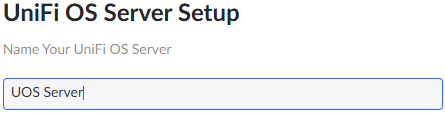
Don’t click Sign In or Restore at the bottom – give your setup a name.
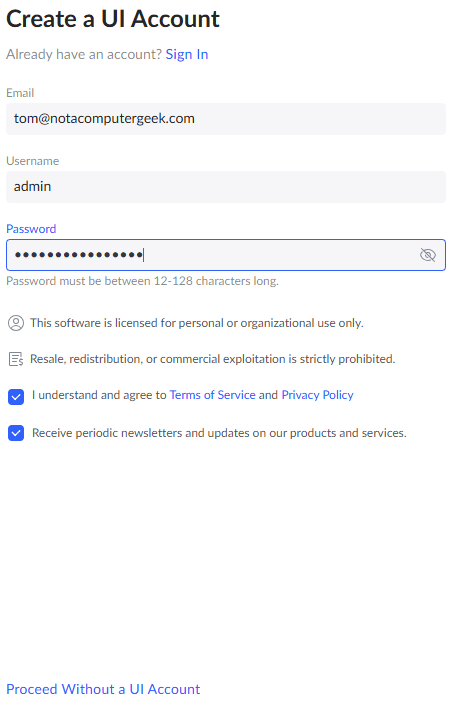
On this screen, don’t click Sign In, but fill out the form entering the username the same as your UniFi Network Server login. In my case admin. ALERT! It is case-sensitive! I made this mistake and had to start over. The last checkbox is optional. Then click ‘Proceed Without a UI Account’.
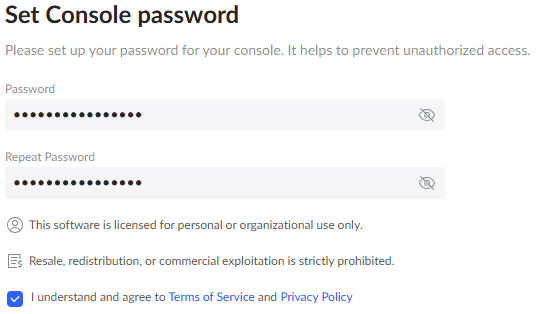
Enter your password twice and click Next.
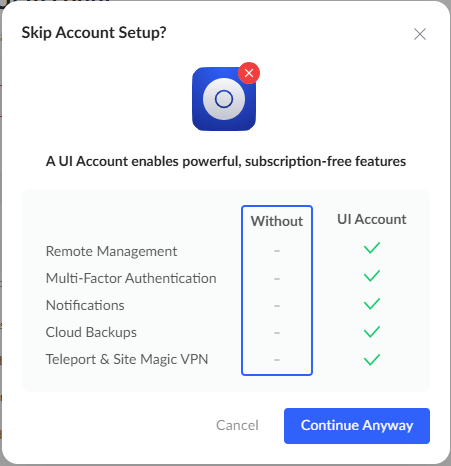
On the next screen, click ‘Continue Anyway’.
Once you’re finished, click ‘Go to Dashboard’.
You should now be able to click Settings -> Control Panel -> Backups tab -> Upload & Restore -> Choose your file -> Restore.
If the old host and new host are not using the same IP address, you’ll have to re-adopt the devices. Rather than change the ‘Override Inform Host’ on the UniFi Network Server, I chose to SSH (I use PuTTY) into each WAP and run the following command before they adopted into UniFi OS Server: set-inform http://ip-of-new-controller:8080/inform.
Lastly, you may want to manage the devices from your online UI account (account.ui.com) or UniFi Site Manager (unifi.ui.com). Sign into the UniFi OS Server with your local credentials, go to Settings -> Control Panel -> Console and enable Remote Access. This will link the online account to your site.


Leave a Reply